Dispatch Software
The Diagnosis: Defining Field Service Management Software
For plumbing and HVAC contractors, dispatch software is the operational backbone that transforms a reactive service business into a streamlined, profitable enterprise. It is far more than a simple digital schedule; it is an integrated field service management (FSM) platform combining customer relationship management (CRM), intelligent job scheduling, dispatch, invoicing, and reporting. The core technical challenge it solves is the inefficient coordination of mobile technicians, parts inventory, and customer communication, which directly impacts first-time fix rates, fuel costs, and revenue per truck.
Technical Deep Dive: Core Modules and Integration
Modern dispatch software functions as a centralized database with several interconnected modules. A proper technical review requires examining how these components work together in real-time.
1. The Scheduling & Dispatch Engine
This is the real-time tactical center. Advanced systems use algorithms to optimize routes and technician assignments based on multiple data points.
- Dynamic Scheduling: The software automatically assigns jobs by matching technician skill level (e.g., certified gas line installer), location (via integrated GPS), required parts (checked against truck inventory), and appointment window. Dispatchers can drag-and-drop jobs with visual timeline interfaces.
- GPS Fleet Tracking: Integrated mapping (like Google Maps) provides live ETA updates for customers and shows dispatchers technician locations. This is critical for managing emergency call-outs and inserting same-day jobs efficiently.
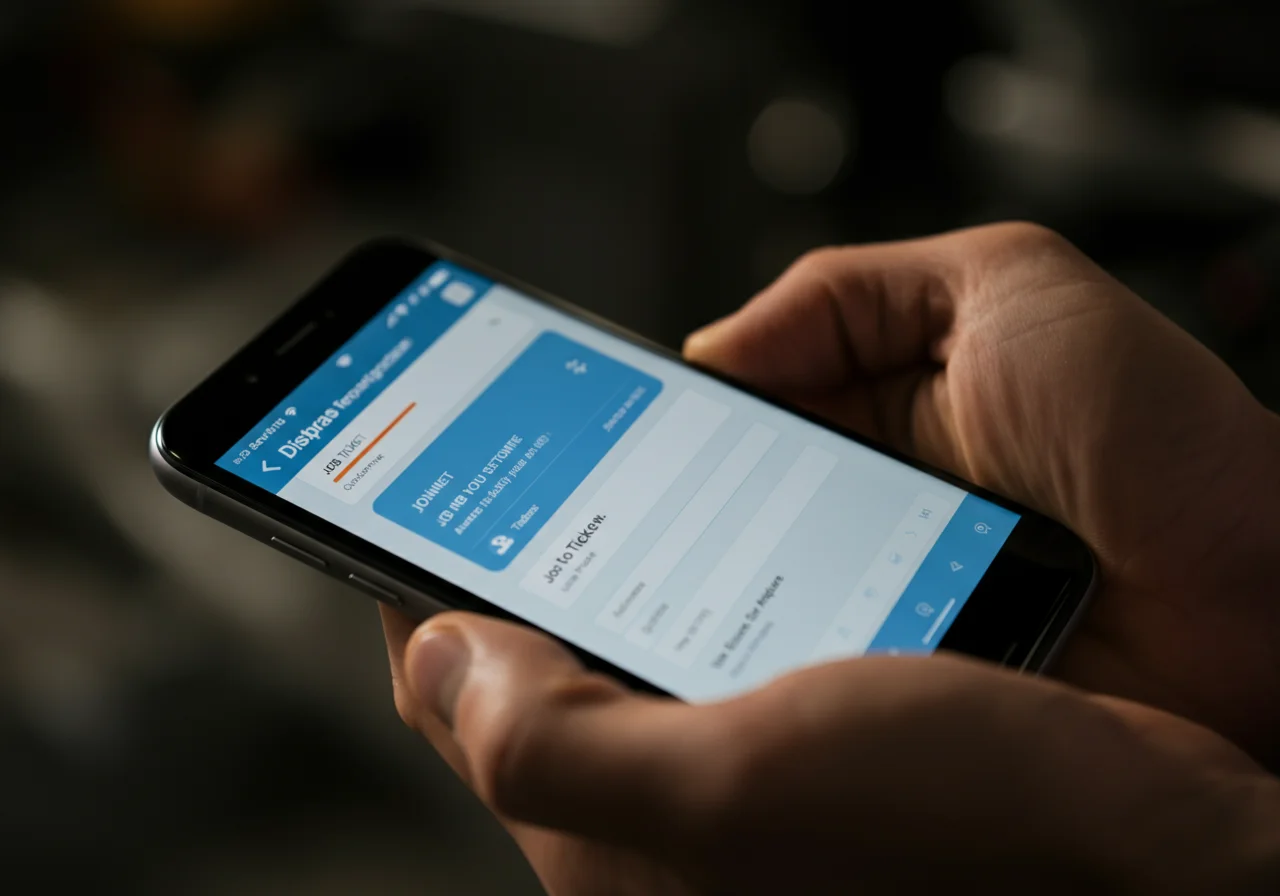
- Two-Way Communication: The technician’s mobile app receives job details, customer history, and allows them to update statuses (En Route, On-Site, Parts Needed, Completed). This communication loop eliminates radio calls and dispatcher guesswork.
2. The Integrated Customer Relationship Management (CRM)
The CRM is the longitudinal customer record. For trades, this goes beyond basic contact info to become a full equipment and service history log.
- Unified Customer Profile: Every call, quote, invoice, and service note attaches to a single profile. Technicians can see that “Customer Smith” has a 15-year-old Bradford White water heater with a history of anode rod replacements before even arriving.
- Automated Marketing & Recalls: The system can segment customers by equipment type and automatically generate seasonal maintenance reminders (e.g., furnace tune-ups) or safety recall notifications based on model numbers logged in past invoices.
- Estimates & Electronic Signatures: Technicians can generate flat-rate or time-and-materials quotes on-site using pre-loaded price books. Customer e-signature capture on a tablet closes the sale immediately and attaches the legal document to the job file.
3. The Mobile-First Field Technician App
This is the primary interface for the technician. Its stability and offline functionality are non-negotiable.
- Offline Mode: Quality apps (e.g., ServiceTitan, Housecall Pro) cache job data and allow technicians to complete forms, notes, and even process payments in basements or areas with poor cell service, syncing automatically when connectivity is restored.
- Photo & Video Documentation: Technicians can attach media to job records. This is crucial for documenting pre-existing conditions, proving code violations, creating visual estimates for replacement options, and providing proof of completed work.
- Integrated Parts Lookup & Inventory Deduction: The app should interface with parts databases. When a technician installs a Milwaukee M18 FUEL™ hammer drill bit or a Ridgid 3-inch PVC coupling, they can scan a barcode or select it from a list, automatically deducting it from the truck’s virtual inventory and adding it to the invoice.
Code & Compliance: The Digital Paper Trail
Professional software aids in compliance by creating an immutable, organized record. This is critical for liability protection and regulatory adherence.
- Permit & Inspection Logging: Jobs requiring permits (e.g., water heater replacement per IPC 501.7) can be tracked within the software, with dates, permit numbers, and inspector notes attached to the job file.
- Material Specification Records: For commercial projects adhering to specs (e.g., “All pipe hangers shall meet ASTM F437 standards”), the software’s invoice and parts list serve as a submittal log, proving compliant materials were installed.
- OSHA & Safety Documentation: Toolbox talks, safety meeting sign-offs, and incident reports can be managed and stored within the platform, supporting compliance with OSHA 1926.21(b)(2) for safety training documentation.
Toolbox: Software as a Critical Business Tool
Evaluating dispatch software requires the same scrutiny as selecting a power tool. Reliability, ecosystem integration, and total cost of ownership are key.
| Feature | Technical Consideration | Business Impact |
|---|---|---|
| API & Integrations | Does it have open APIs to connect with accounting software (QuickBooks Online), supply houses (Ferguson, Hajoca), or marketing platforms? | Eliminates double data entry, automates parts ordering, creates a closed-loop business system. |
| Reporting & Analytics | Can you build custom reports on metrics like revenue per technician, first-time fix rate, or cost-of-goods-sold (COGS) by job type? | Moves business decisions from intuition to data-driven. Identifies profitable service lines and technician training gaps. |
| Payment Processing | Does it include integrated, PCI-compliant card processing with on-site mobile swipe/dip/tap capabilities? | Accelerates cash flow, reduces payment friction, and lowers the risk of check fraud or non-payment. |
Leading platforms like ServiceTitan are built specifically for the complex needs of skilled trades, while solutions like Housecall Pro offer robust core functionality for growing businesses. The choice is akin to selecting between a Fluke 116 HVAC multimeter and a 87V; both are professional-grade, but one has features tailored for a specific trade.
Safety & Operational Warning
WARNING: While software manages logistics, field safety is paramount. No dispatch system overrides standard safety protocols. Technicians must always turn off breakers and verify with a multimeter, shut off water at the main, and follow lock-out/tag-out procedures regardless of schedule pressure. The software should facilitate, not compromise, safety documentation.
External Reference for Technical Standards
For an understanding of the data security and reliability standards that quality cloud-based business software should meet, review the National Institute of Standards and Technology (NIST) guidelines on cloud computing. This provides a framework for evaluating vendor claims about uptime and data protection. NIST Cloud Computing Overview.