Plumbing CRM Software
Plumbing CRM software is an integrated field service management platform designed to centralize customer data, automate scheduling, streamline dispatching, manage inventory, and generate professional estimates and invoices. For a plumbing business, this is the operational command center, moving beyond basic spreadsheets to optimize every job from lead to payment. This guide provides a technical comparison of leading platforms, focusing on the core workflows of scheduling and invoicing critical to trade efficiency.
The Diagnosis: Operational Inefficiency in Field Service Management
The core problem addressed by a specialized plumbing CRM is fragmented operations. Using disjointed tools for scheduling, customer notes, parts tracking, and billing creates delays, errors, and lost revenue. A robust system integrates these functions, providing real-time visibility into technician location, job status, and financial performance. The right software acts as force multiplier for your team.
Technical Deep Dive: Core Software Architecture & Workflow
Effective plumbing CRM software is built on a unified database. All modules—CRM, scheduling, dispatching, inventory, accounting—share a single source of truth. Here is the step-by-step technical workflow for a standard service call:
1. Lead Capture & Scheduling Engine
- Input: Lead arrives via phone, website form, or third-party service (e.g., HomeAdvisor).
- Automation: Software automatically creates a customer/job record. Advanced systems use caller ID to populate existing customer data instantly.
- Scheduling Algorithm: Dispatcher views a unified calendar showing technician availability, skill set, location, and parts inventory on the truck. Optimal assignment minimizes drive time.
- Output: Job is assigned with one click. Automated SMS/email notifications are sent to the customer and technician with job details and ETA.
2. Field Execution & Data Collection
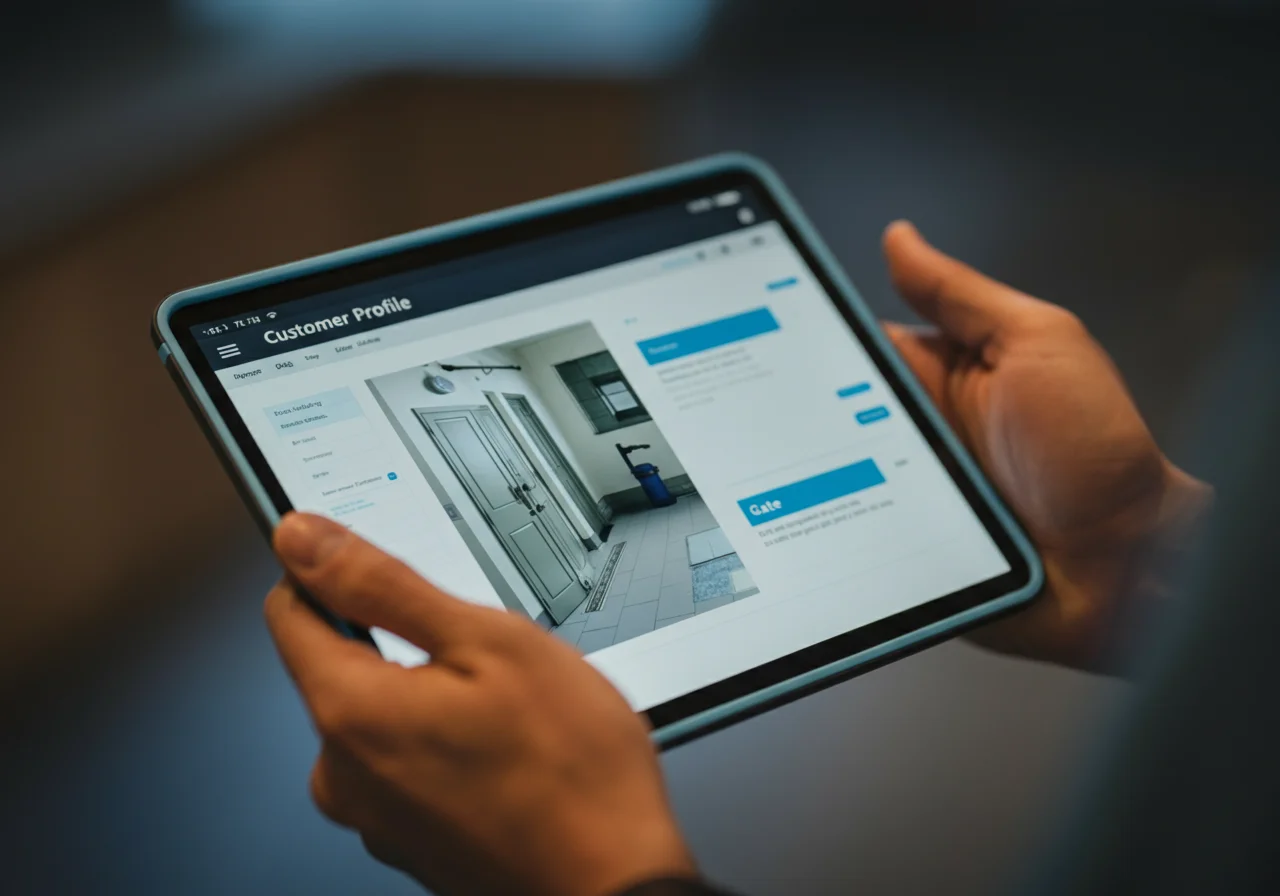
- Mobile App: Technician accesses job details, customer history, and previous invoices on a mobile device (iOS/Android).
- Digital Documentation: Photos, videos, and notes are attached directly to the job record. Signature capture is performed on-site for approvals.
- Inventory Management: Technician selects used parts from a digital truck stock list. System automatically deducts inventory and can trigger reorder alerts.
3. Invoicing & Payment Processing
- Estimate Generation: Software uses pre-built price books (with labor units and SKU-based parts) to create a flat-rate or time-and-materials estimate.
- Invoice Creation: Upon job completion, the field data instantly populates a professional invoice. Changes in the field (added parts, extra labor) update in real-time.
- Payment Integration: Technician can process credit card, ACH, or check payments on-site via a encrypted card reader or payment link. Funds are deposited directly to business account.
- Automation: Invoices are emailed automatically. Recurring payment plans for maintenance contracts can be fully automated.
Platform Comparison: ServiceTitan vs. Jobber
The choice between leading platforms often comes down to business scale, complexity, and budget. Below is a technical specification comparison focused on scheduling and invoicing modules.
| Feature / Specification | ServiceTitan | Jobber |
|---|---|---|
| Core Architecture | Enterprise-grade, all-in-one suite. Highly customizable with deep plumbing/HVAC-specific workflows. | Cloud-based, modular platform. Streamlined and user-friendly with a focus on SMBs. |
| Scheduling Interface | Dynamic, map-based dispatch board (GPS). Shows real-time technician location, traffic, and job priority. Complex rule-setting for skills matching. | Clean, drag-and-drop calendar view. Geofencing for arrival/departure alerts. Efficient for sequential routing. |
| Price Book & Estimating | Extensive, pre-loaded plumbing price book with flat-rate options. High degree of customization for labor rates, parts, and packages. | Customizable price book with support for flat-rate and T&M. Integration with Parts Town for ordering. |
| Mobile App Capability | Full-featured app for offline mode, photo/video capture, electronic signatures, and inventory management directly from the truck. | Robust app for job details, notes, invoicing, and payment collection. Streamlined for quick service calls. |
| Invoicing & Payments | Integrated merchant processing (ServiceTitan Payments). Automated financing offers. Advanced reporting on AR and profitability per job. | Integrated payments via Jobber Payments or Stripe. Automated payment reminders. Recurring invoicing for maintenance plans. |
| Integration Ecosystem | Direct two-way sync with QuickBooks Online/Desktop. API access for custom integrations with supply houses, marketing tools, etc. | Native integrations with QuickBooks Online, Xero, Gusto. Open API for developers. |
| Ideal Business Size | Growing to large-scale plumbing companies (5+ trucks) with complex needs for marketing, CRM, and detailed financial reporting. | Small to medium-sized businesses (1-10 trucks) looking for an efficient, cost-effective system to manage operations. |
Code & Compliance: Data Security & Financial Reporting
While plumbing codes govern field work, software compliance revolves around data security and financial integrity.
- Data Security (SOC 2 Compliance): Reputable platforms like ServiceTitan and Jobber undergo SOC 2 Type II audits, ensuring customer data (payment info, addresses) is handled with strict security controls. This is non-negotiable for business liability.
- Financial Reporting & GAAP: Proper software ensures invoicing aligns with Generally Accepted Accounting Principles (GAAP). It should accurately track revenue, cost of goods sold (COGS—like parts used), and labor for clear profit/loss per job.
- Electronic Signature Legality: The ESIGN Act makes digital signatures captured in the field legally binding, streamlining change orders and approvals.
Toolbox: Implementation & Hardware
Successful deployment requires the right digital “tools.” The software is only as good as the hardware and process it runs on.
- Primary Hardware: Technicians require ruggedized tablets (e.g., Panasonic Toughbook) or consumer-grade iPads with protective cases. Reliable mobile hotspots are critical for real-time sync.
- Payment Processing: Use the software’s integrated card readers (e.g., ROAMpay or Stripe Reader) for encrypted, PCI-compliant transactions. Avoid manual entry to reduce fraud risk.
- Network Infrastructure: A business-grade internet router (e.g., Cisco Meraki) at the office ensures reliable cloud access for dispatchers and managers.
Safety Warning: Data & Operational Security
WARNING: Before implementing any new software, conduct a full backup of all existing customer and financial data. During rollout, ensure all technicians are trained on the mobile app to prevent data entry errors that could lead to incorrect invoicing or scheduling conflicts. Always use strong, unique passwords and enable two-factor authentication (2FA) on all software admin accounts.
External Reference
For an authoritative overview of data security standards relevant to cloud software, review the National Institute of Standards and Technology (NIST) guidelines on cybersecurity framework: NIST Cybersecurity Framework.